
zsh
时间轴
2025-10-20
init
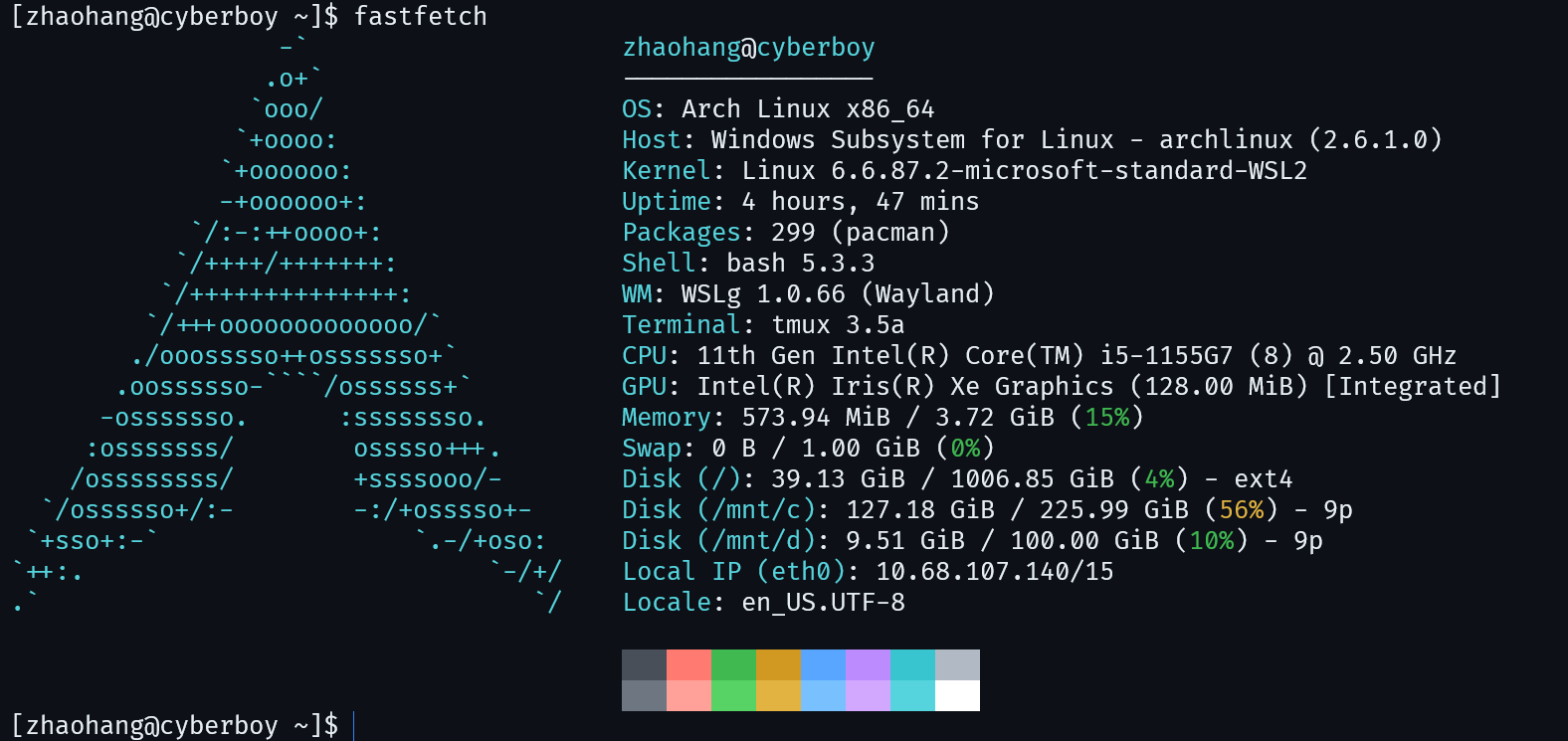
注意在WSL中使用了FiraCode Nerd Font
zsh安装
1 | sudo pacman -Sy zsh |
配置
bashrc迁移
把之前.bashrc的配置复制到.zshrc下面
1 | alias grep='grep --color=auto' |
主题
1 | git clone --depth=1 https://github.com/romkatv/powerlevel10k.git ${ZSH_CUSTOM:-$HOME/.oh-my-zsh/custom}/themes/powerlevel10k |
在~/.zshrc中设置:
1 | ZSH_THEME="powerlevel10k/powerlevel10k" |
然后
1 | source ~/.zshrc |
接下来根据提示选择即可
插件
zsh-autosuggestions
1 | git clone https://github.com/zsh-users/zsh-autosuggestions ${ZSH_CUSTOM:-~/.oh-my-zsh/custom}/plugins/zsh-autosuggestions |
zsh-syntax-highlighting
1 | git clone https://github.com/zsh-users/zsh-syntax-highlighting.git ${ZSH_CUSTOM:-~/.oh-my-zsh/custom}/plugins/zsh-syntax-highlighting |
在~/.zshrc中设置:
1 | plugins=(git zsh-autosuggestions zsh-syntax-highlighting z extract web-search) |
然后
1 | source ~/.zshrc |
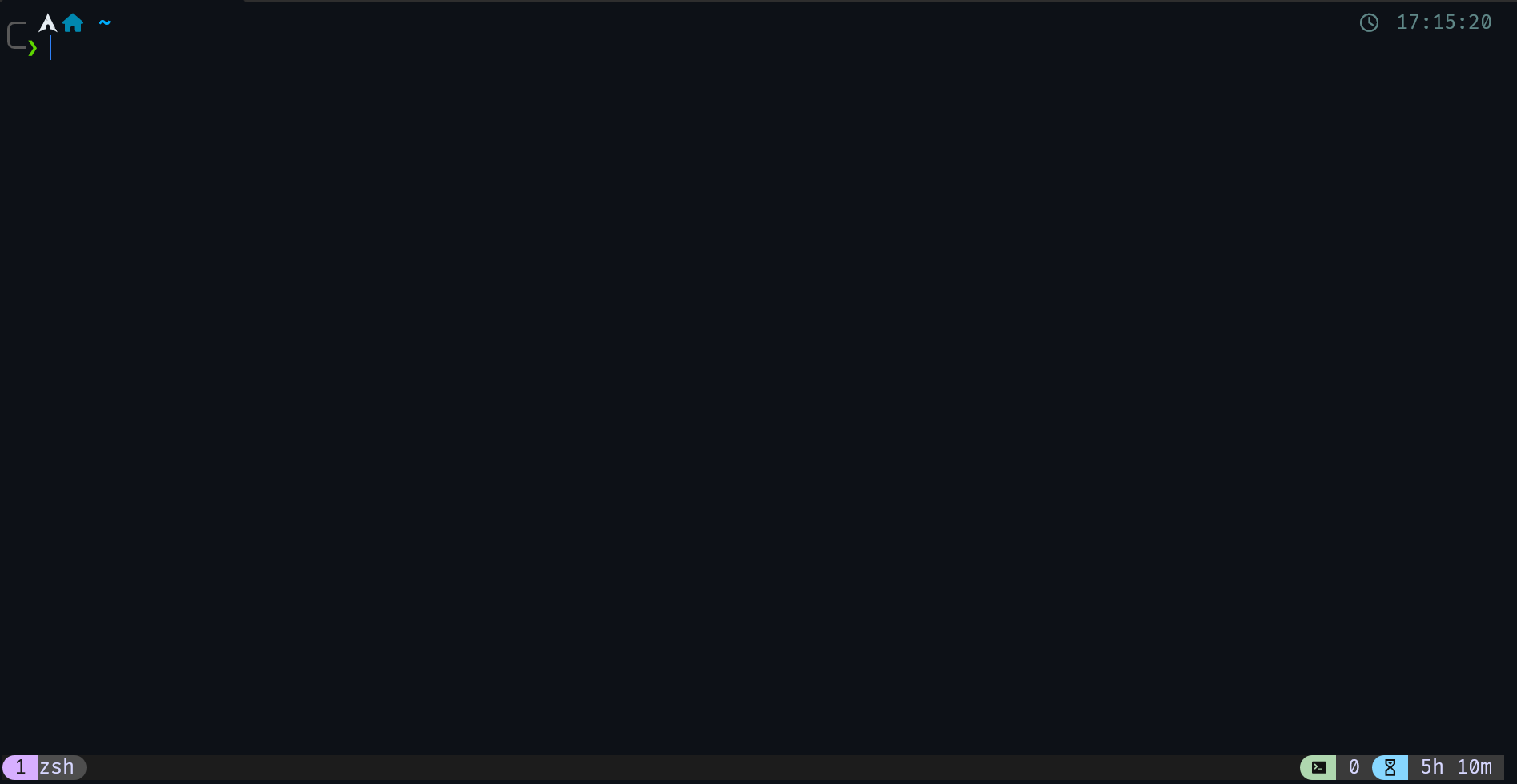
效果
本博客所有文章除特别声明外,均采用 CC BY-NC-SA 4.0 许可协议。转载请注明来源 常想一二,不思八九!
评论